
No device or connection limits
Apps for iOS, Android, Chrome, Windows, and more
Trusted by over 100 million satisfied users
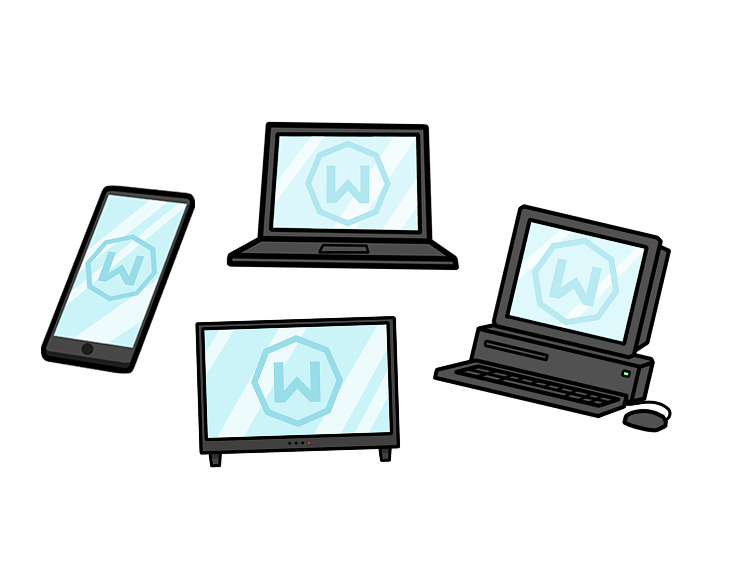
Set Up Windscribe Everywhere
Set up custom blocklists and allowlists.
Connect to global servers optimized for streaming and security.
Protect sensitive financial and personal data.
Why Unlimited Devices Matter

Who Needs Unlimited Devices?
Use different devices for work, play, and doomscrolling.
Live with others who also like privacy (hello, smart TVs and shared tablets).
Want to protect your router and everything behind it.
Are tired of choosing which gadget deserves security today.

Step 1
Get the App
Step 2
Sign Up
Step 3
Connect
Features

6 Encryption Protocols
Widest Server Reach
Most 10 Gbps Servers
Industry-Leading Ad Blocker
Privacy: Audited & Court-Proven
Features

Other VPNs
6 Encryption Protocols
Widest Server Reach
Most 10 Gbps Servers
Industry-Leading Ad Blocker
Privacy: Audited & Court-Proven

4.7 • 13K reviews

Google Play
4.7 • 296K reviews

App Store
4.6 • 34K reviews

Software Informer Editor's Choice

Software Informer 100% Clean
App Store and Google Play figures are US data as of 07/2026
Loved & Trusted by Over 100 Million Users






FAQ
How many devices can I connect to Windscribe at the same time?


As many as you reasonably need. There's no fixed cap on personal use — connect your phone, laptop, desktop, tablet, smart TV, console, router, and that one weird IoT gadget all at once. The only thing we ask is that you keep it to your own devices.
Does unlimited device use apply to free accounts too?
Yes. Free accounts get the same unlimited connection policy as Pro — you just have a 10 GB monthly data cap and access to fewer locations. Device count isn't the gate.
Can I share my Windscribe account with friends or family?
Not really — Windscribe accounts are for one person's personal devices. If you want to cover everyone in your house, the right move is to install Windscribe on your router (one device, whole network), or share one of our ScribeForce team plans.
Are there any hidden limits on device connections?
No fine print, no surprise throttling at 6 devices. Our backend just watches for patterns that look like a single account being resold across hundreds of users at once — and that's it.
Why does Windscribe allow unlimited personal devices anyway?
Because capping devices at 5 or 10 has always been an arbitrary, marketing-driven number that other VPNs use to push you onto more expensive tiers. We think "how many gadgets do you own?" is a weird question to charge for.
What happens if I accidentally go over a reasonable number of connections?
Nothing dramatic. If something looks unusual, you'll get a heads-up. We won't quietly kill sessions, shadow-ban your account, or send a passive-aggressive email about "fair use."
Can I use Windscribe on my router to cover even more devices?
Yes — and it's the cleanest way to cover an entire household. One router setup protects every device behind it (smart TVs, consoles, smart fridges, your roommate's questionable laptop). See our router setup guides for help.
What kinds of behavior could get my account flagged?
Reselling your credentials, automating thousands of sessions from a single account, running commercial-scale scraping operations — basically anything that's clearly not one person's personal use. Normal humans never trip these.
What should I do if I get a warning about too many sessions?
First, log out of any devices you don't actively use. If the warning persists and you genuinely are a one-person, many-devices household, contact support — we'll take a look and almost always sort it out in one back-and-forth.