How do I check the ping/latency to Windscribe servers?

Winder S
Nov 4, 2025

To check the ping or latency between you and the VPN servers, you simply need to go to the Locations list drop down, expand the location list and open one of the countries. Beside each location, you will see that latency listed as the number of milliseconds it takes for a packet of data to travel from you to the datacenter and back to you.
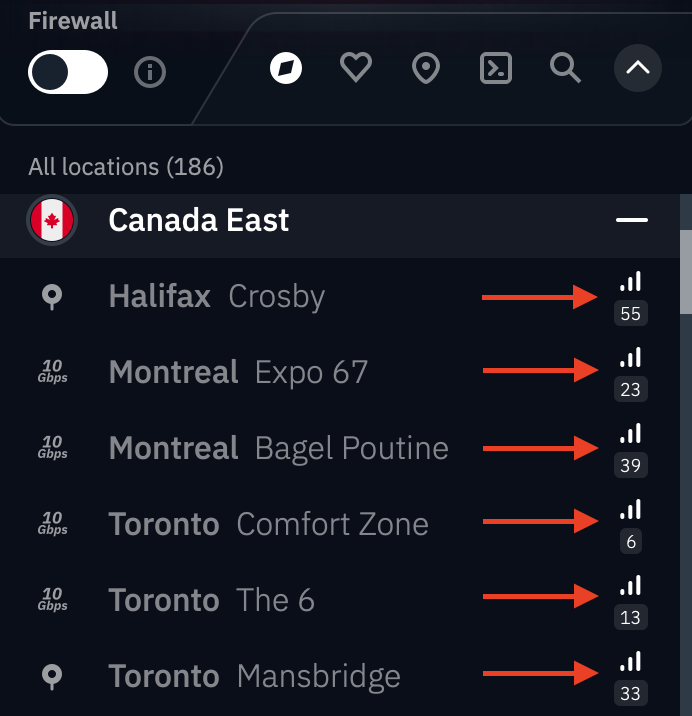
The lower the number, the shorter the amount of time it takes for the data to travel, which is better for overall performance.
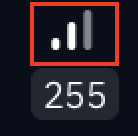
You'll also notice 3 signal bars which are a quick visual gauge of how congested that location is.
- More bars = lower server load and better performance
- Fewer bars (or red) = higher load, more people connected, potential slower speeds
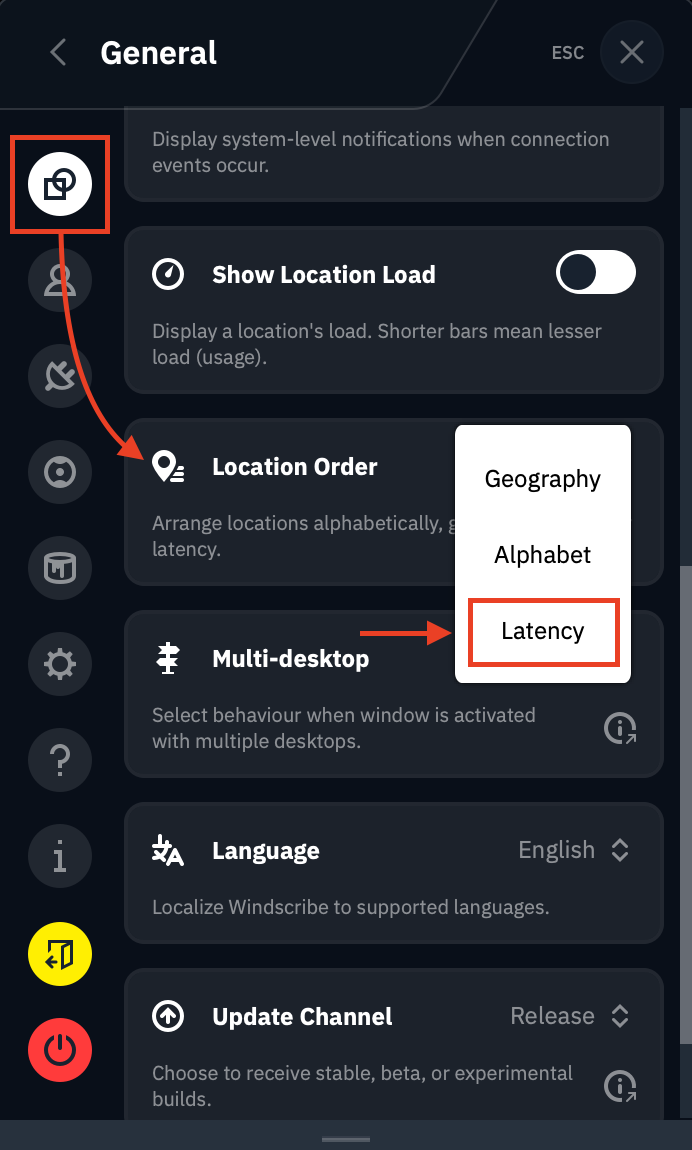
In Preferences > General, you can also change the Location Order to Latency and this will sort your locations list based on the latency values.