

How do I reinstall the Windscribe Mac app?

Winder S
Oct 17, 2025

- Open Finder and go to the Applications folder in the sidebar.
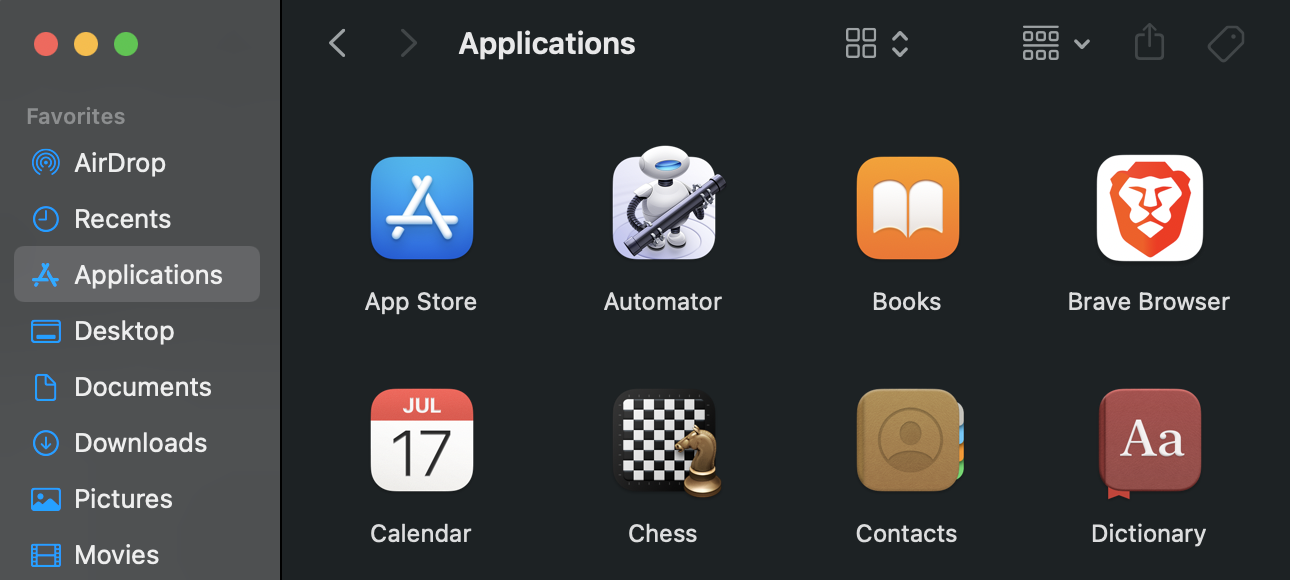
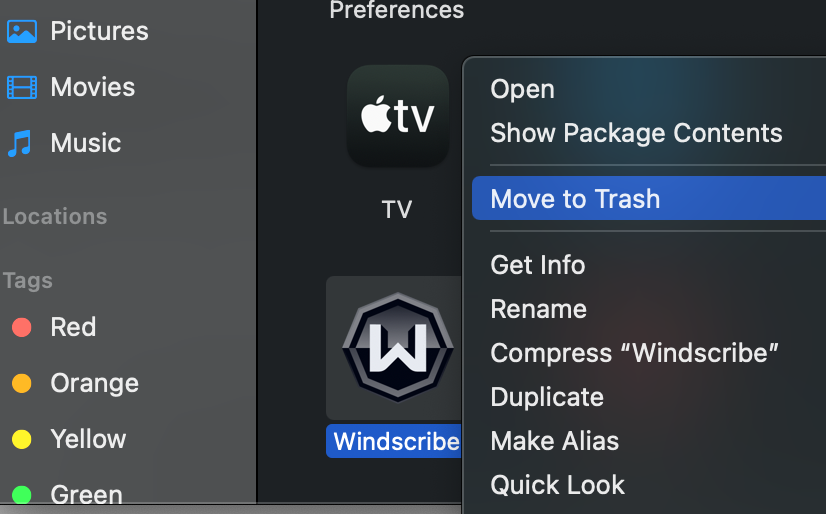
- Drag the Windscribe app to the Trash folder on Dock, or select the app and choose File > Move to Trash. You can also right-click the app and select Move to Trash.
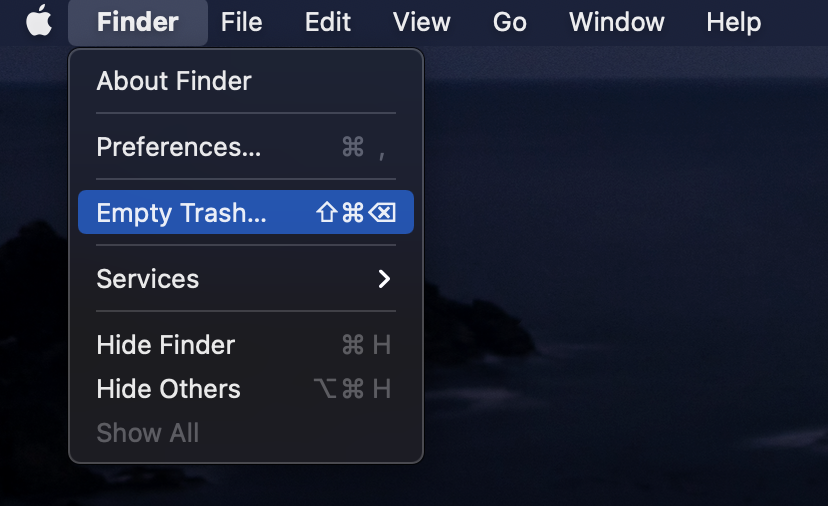
- Once the app has been moved to the trash, to completely delete the app, choose Finder > Empty Trash. You can also reboot your system at this point to clear out any potential temporary files.
- Download the Windscribe VPN desktop app for Mac
- Click on the downloaded installer file to begin the installation.
- Once the installer finishes, you can then open Windscribe again, login and connect to the VPN.