

How to connect to a Static IP server

Winder S
Oct 27, 2025

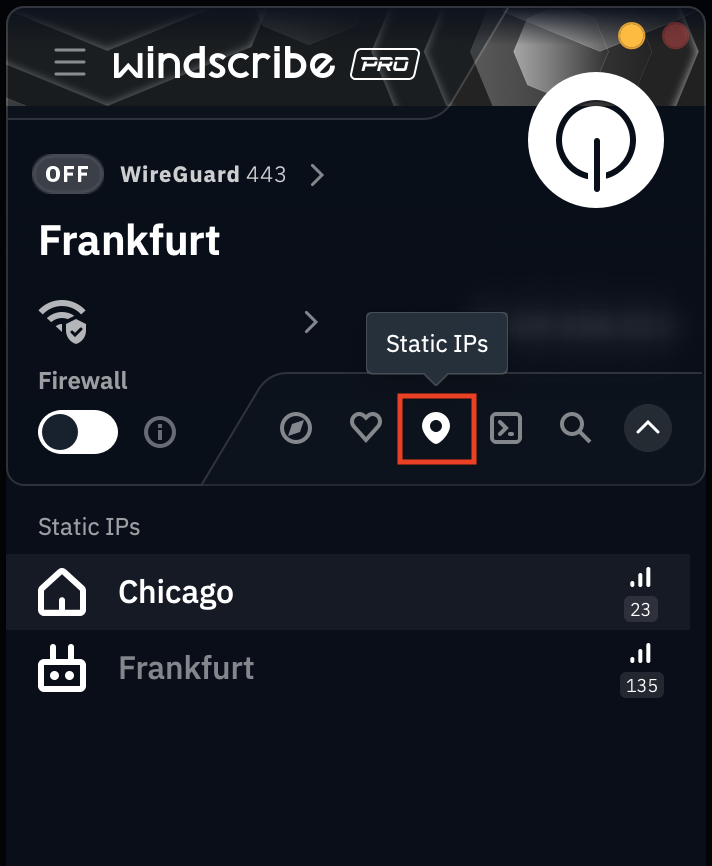
Once you've purchased a Static IP from our website, log into the Windscribe app and you should see your static IP(s) populate the designated Static IP tab in your Locations menu.
Desktop
Mobile
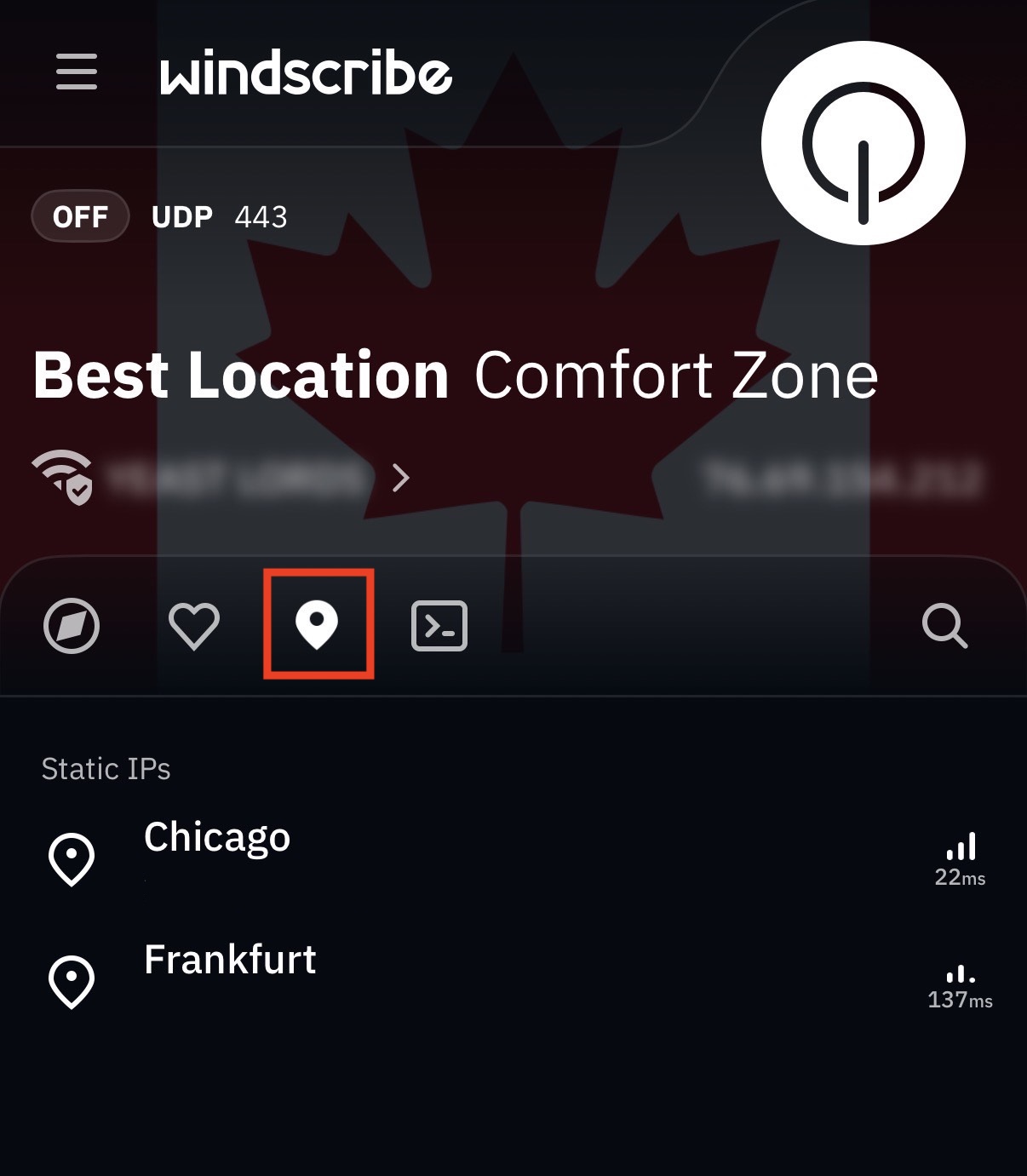
The 3rd tab contains your Static IP(s), designated by a waypoint icon
Once you've located your static IP, simply click on it to connect to it as you would any other location.