

How To Enable Anti Fingerprinting In The Windscribe Browser Extension

Johnny Hollick

Our Anti Fingerprinting tool is available in the latest versions of our browser extension for Chrome and Edge (v4.2.2).
Once you've installed the browser extension, here are the steps to enable the feature:
1. Open the browser extension
2. Click on the shield icon in the top right corner to open the Privacy options

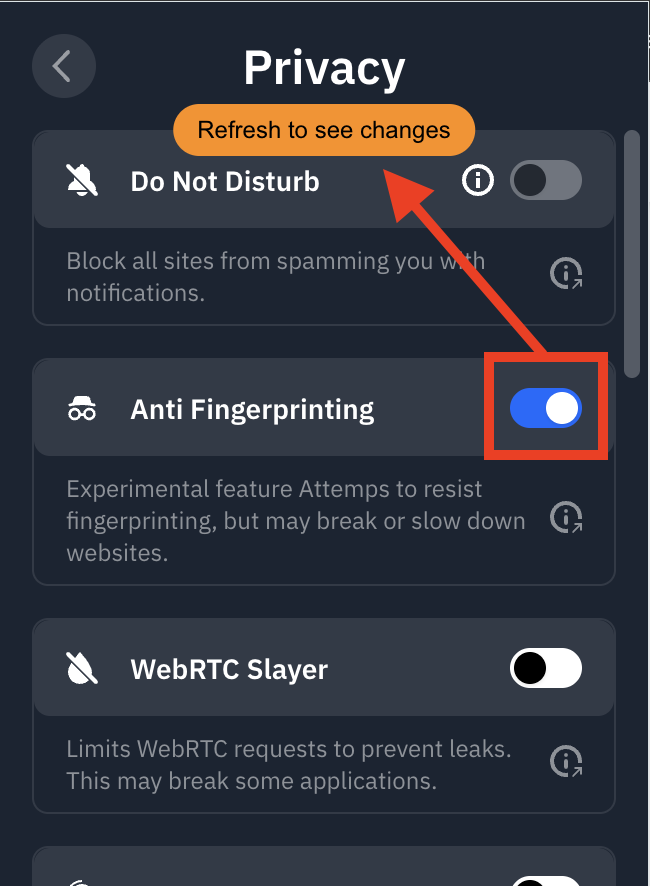
3. Toggle the Anti Fingerprinting switch into the ON position (blue)
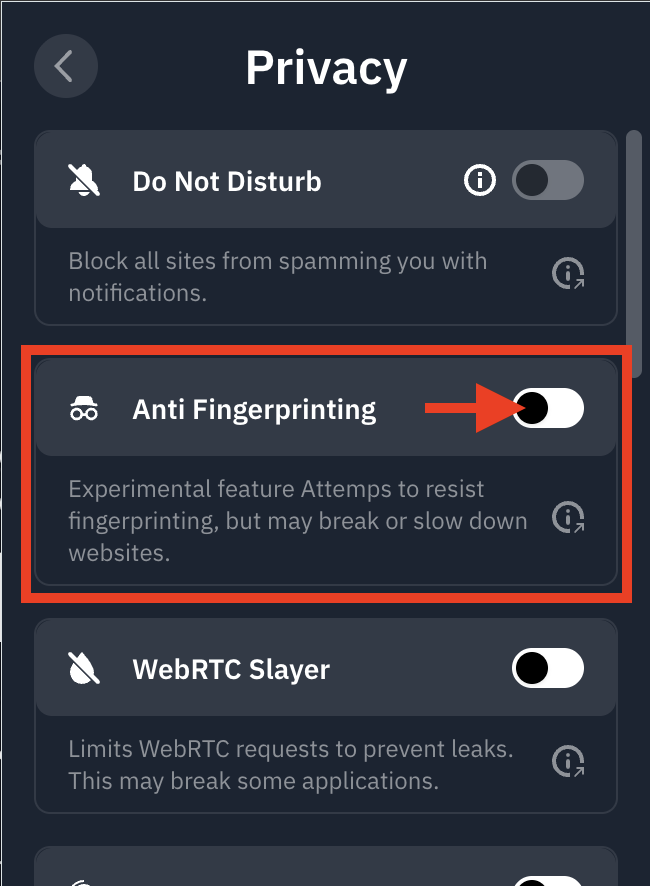
4. Refresh the page to activate the feature immediately
You're all set! Windscribe is now spoofing your common browser characteristics to offer a more consistent digital "profile," helping reduce your uniqueness and boosting online anonymity.