

How to reinstall the Windows Windscribe app


Reinstalling the latest release version
-
Uninstall Windscribe like you would do any other app. Alternatively, press Start on your computer and type "Uninstall Windscribe'. Then open the uninstall wizard and follow the steps to remove the application. At this point it's good to restart the computer to ensure there's no temporary files left over anywhere.
-
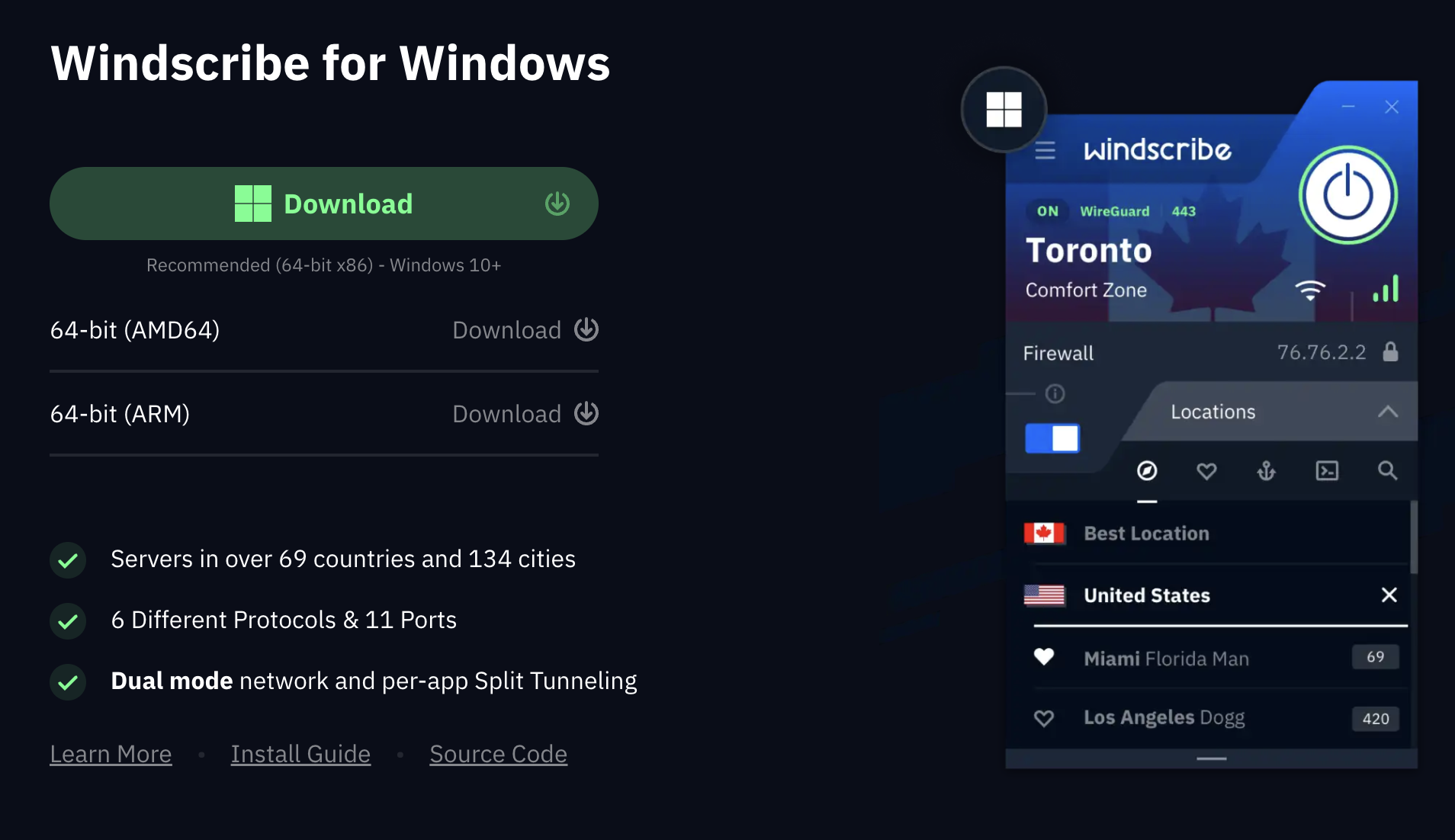
Now go to the Windscribe downloads page and download the Windscribe app for Windows: https://windscribe.com/download
-
Run the installer that you just downloaded and follow the instructions to install Windscribe.
Reinstalling the same version.
- Uninstall Windscribe like you would do any other app.
- Locate the installer file for Windscribe that you downloaded from our website and run the installer.
Reinstalling a different version from the Changelog.
- Uninstall Windscribe like you would do any other app.
- Install the version of your choice from our Windows Changelog: https://windscribe.com/changelog/windows
After reinstallation, explore the full range of features available in our Windows VPN app including advanced security options, network customization, and Windows-specific integrations.