

How to Rotate Your IP

Rebecca Rosenberg
Nov 26, 2025

IP Rotation lets you instantly switch to a new IP address without disconnecting. Helpful if your current IP is blocked or you just want a fresh one.
Note: this feature is for Pro users and Build A Plan users (paid locations only)
How to enable it in the app:
-
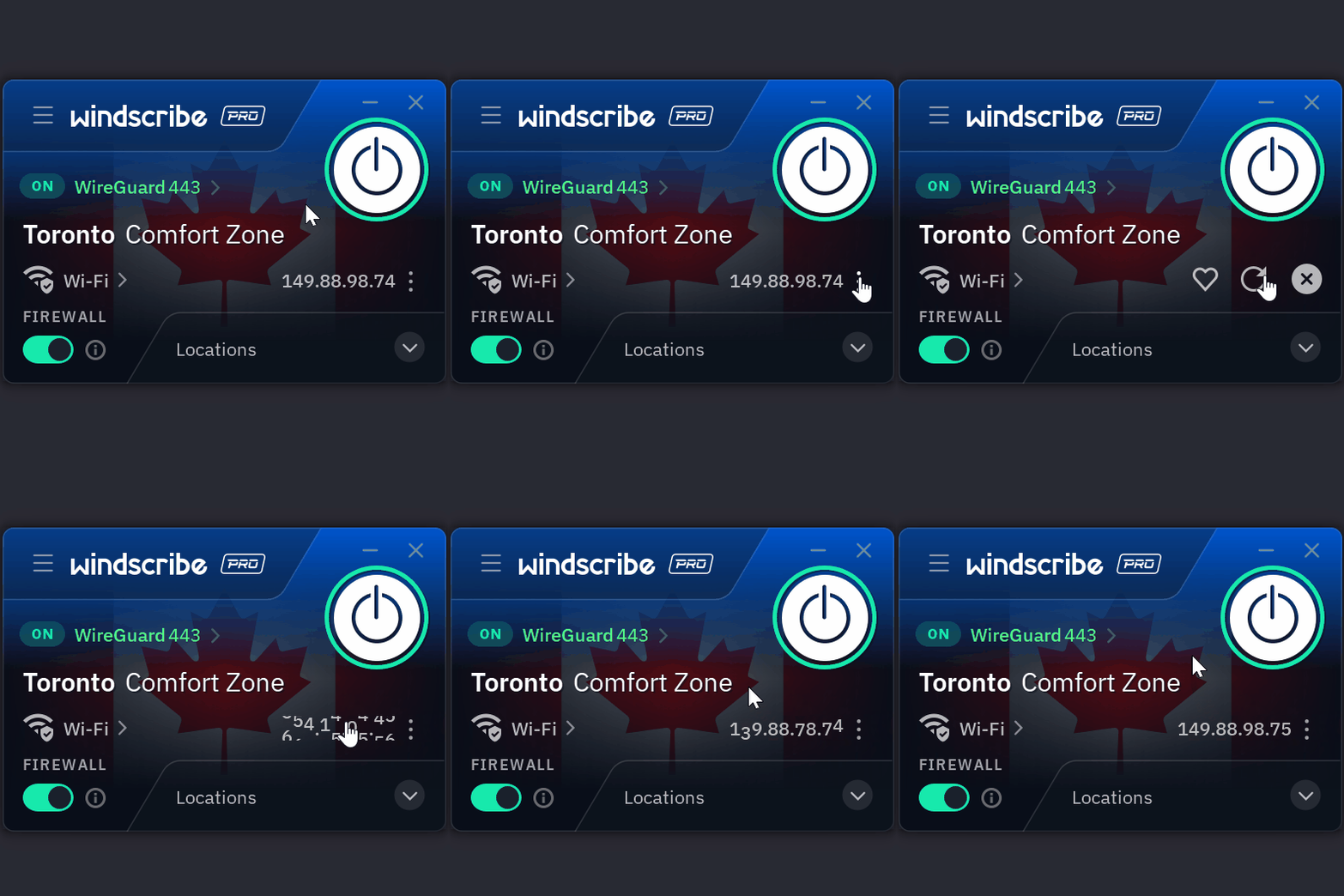
While connected in the Windscribe app, click on the three dots next to your connected IP
-
Click on the circular arrow
-
Your IP has now been rotated and you have a new IP
No reconnects, no interruptions.
Want more details? Read the full blog here.